
How Orange uses AI video to rapidly upskill their internal teams
Learn how Orange is upskilling their workforce with multilingual AI videos.

Create engaging training videos in 160+ languages.
Everyone loves video. On average we each consume 100 minutes of online video content a day, and it looks like that appetite for video content is only set to grow further.
However, in the workplace those trends have lagged somewhat. We're often still required to read and create PowerPoint slides, PDFs, and long Word documents when we want to communicate ideas to our coworkers, customers, and clients.
Workplace learning and training is one area where a bigger role for video has been shown to have a big impact.
In this post I'm going to explain how you can easily start using video-based learning in your employee training programs. But first, let's start with the what and the why.
Training is structured instruction designed to improve performance on a specific task, tool, process, or responsibility.
Training videos are simply the application of video formats to these structured instructions.
You can classify video-based training by its format, its instructional approach, or by its use case. Here's an overview.
A training video's format describes how the video is produced. Amongst the most common are:
Note: Microlearning is often listed as an instructional approach, but it's more of a design constraint. Microlearning refers to short, focused content built around a single concept, delivered at the moment of need. It describes the length and scope of the learning experience. It's also not limited to video.
I’ve applied these formats and approaches across a wide variety of training video use cases over the years, including:
Video-based learning is effective because it can combine both visuals and narration.
Our working memory is limited, so when we are presented with too much new information at once we find it harder to learn.
However, our brains process visual and verbal information through separate channels, which gives video a huge advantage over other mediums, as a well-designed video can spread the load effectively across both channels.
Think of it like a busy road. Learning through PDFs, PowerPoint slides and Word documents is like forcing all of the traffic into a single lane. You get a traffic jam.
Video opens a second lane that helps information flow faster and more smoothly. The result is clearer understanding with lower risk of overload.
This is why I love using video when I need to teach learners how to follow a process or use a system. Learners can see the correct behavior and replicate it without relying on memory or interpretation.
When used correctly video-based learning means faster onboarding, fewer errors, and more consistent execution across an organization.
In our Avetta case study, we saw how the Training Manager at this developer of supply chain risk and compliance software got their new support agents to achieve proficiency 20% faster after moving from text document-based training to a video-based onboarding program.
Note: whether video consistently leads to better learning outcomes than other mediums is still a topic of debate.
Video, like any other medium, supports particular learning outcomes. It works best when someone needs to follow a process for the first time or see what “good” looks like.
I still reserve live training, whether in-person, virtual, or hybrid, for more complex topics that benefit from discussion and real-time feedback. If there’s problem-solving or collaboration involved, that’s usually the better choice.
Written documents or eLearning courses are often more effective when clarity and focus matter most. In more controlled environments, or where technology is limited, they can be easier to use and less distracting.
Each format solves a different problem. The challenge is knowing which one to use, and when.
Here are some common patterns:
I've seen organizations enjoy a number of benefits after adopting video-based learning in their training programs. I've listed them below, along with some real-life examples where I've seen the benefit first hand.
Compared to document-based training materials, video-based training typically gets better engagement from your learners. A video requires less effort to start, less effort to understand, and captures attention more effectively.
In our Boldyn Networks case study, the L&D team at this global leader in digital infrastructure solutions had previously used a variety of different learning assets and manually pieced them together. After switching to interactive videos they saw their engagement rates jump 75% month-on-month and their completion rates jump to 95%.
We've already discussed how video-based learning benefits from being able to communicate through a combination of visuals and narration.
I've also found that video leads to reduced ambiguity on what 'good' looks like, which results in learners having a clearer idea of what is expected from them when carrying out a process (and with less room for interpretation).
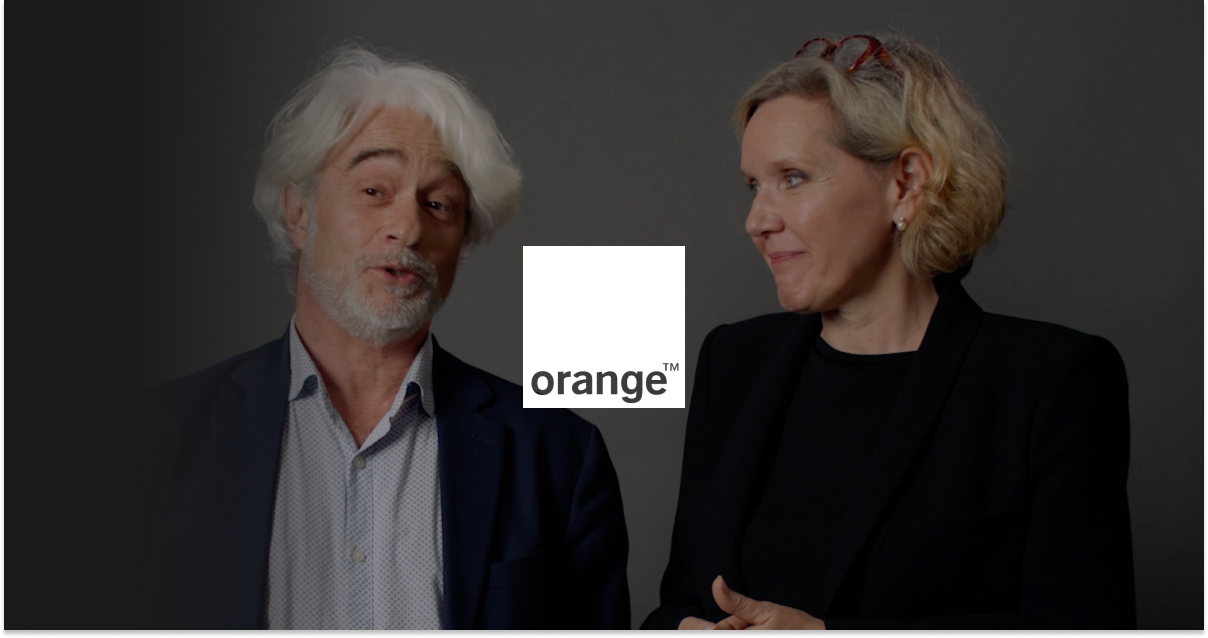
In our Orange case study we saw how the L&D team were using video training for internal corporate programs for retail employees across their store network. Their Head of Digital Campus highlighted how moving from PDF-based training to video-based training had increased information retention from 10% to 90%.
Compared to live training sessions, video-based training ensures that every learner is receiving consistent instructions, which should translate to consistent execution across your organization.
Northwest Healthcare Properties, an international real estate investment trust, replaced live training sessions with video-based training and highlighted how video ensured consistent knowledge transfer for both existing and new employees.
Video-based learning gives you the benefits of live training sessions while also being scalable. Any number of learners can watch at any time, anywhere. That availability allows learning to happen in the flow of work, which allows your learners to access the relevant knowledge at the moment of need and apply it immediately. Your learners can also easily revisit a video and reinforce their learning if they choose to.
DuPont, a leading multinational chemical company, was using conventional training methods like PowerPoint presentations and in-person training sessions but found that they were no longer feasible when they needed to scale across thousands of employees. The DuPont L&D team's solution was to create the OpEx Academy curriculum that provides timely learning-based videos playbooks in the flow of work.
So far I've been talking about the positives of using video-based learning. The medium does, however, come with it's own unique set of downsides. Here are the main ones.
Video production is a complex, multi-step process which can quickly become very expensive regardless of if you produce in-house or outsource to an external agency. The costs can vary widely depending on type, length, customization and overall complexity, but can range from a company like Modern Canada where the price per video is between $5,000 to $8,000, and even more if edits were required, to an organization like Novelis (a global aluminium company) that spends close to $1,000,000 on a training video production run.
Aside from being expensive, video production also takes a long time. I've seen training video production timelines that span from a few days to several months, depending on in-house resources and/or budgets. Even large multinational companies with vast resources like Heineken take a few days to produce them. I'd say the most common timeline I've seen is a couple of weeks, like in the case of the training and enablement team at Persado (a customer engagement platform).
Operating procedures, products, and competitive positioning are changing all of the time and your video sooner or later will be out of date, which means expensive and time-consuming reshoots. This was a notable pain point for Criteo in our case study, which resulted in them re-doing the a large chunk of the video production cycle including flying in experts, shooting, editing, and re-editing.
Script translation, subtitles and voiceover recordings are an additional expense and time commitment (often multiple months) for organizations that want to offer their video-based learning in multiple languages.
AI is changing how video-based training is created and maintained. According to our AI in Learning & Development Report 2026, 52% of L&D teams are using AI for video creation.
.jpg)
Our data shows that AI video is helping L&D teams to ameliorate the challenges posed by video-based learning production.
Most respondents to our survey said that AI is already helping them produce learning faster, with 88% reporting value via time saved on content creation.
Cost savings were also flagged by 45% of respondents, as well as easier localization, which was highlighted as a benefit by 32% of respondents.
I also like how you can see the core benefits of video as a learning medium are retained by AI video. 40% of respondents said that they saw improved learner engagement and 41% said that the use of AI video resulted in a positive business impact.
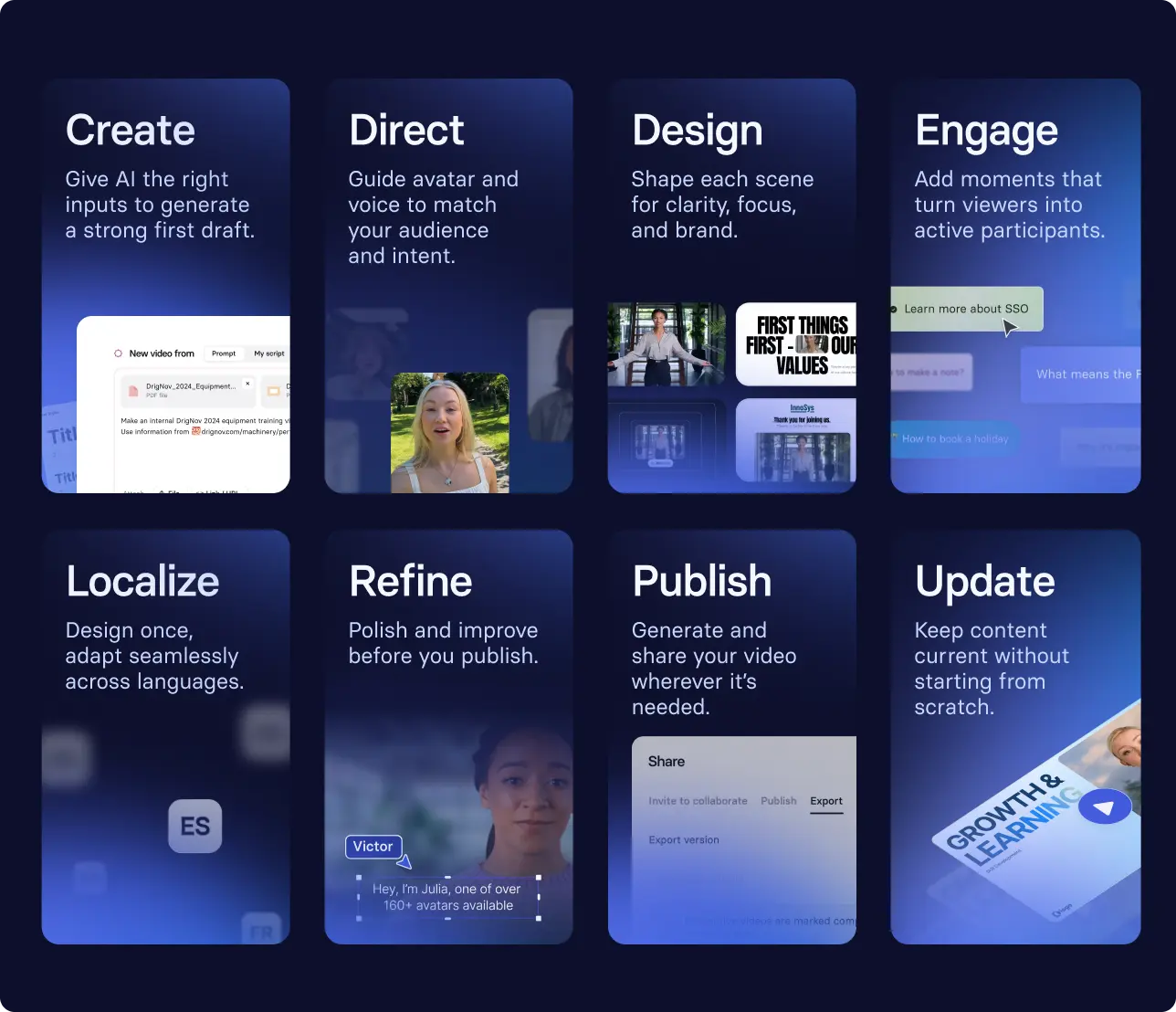
Effective video training is built on intentional scripting and design, grounded in real-world tasks so learners can apply what they’ve seen and improve performance over time.
With AI-powered video platforms like Synthesia, you can apply those principles in a more flexible, iterative way. Instead of following a fixed workflow, you guide the AI assistant to shape the output.
Start by looking for an area where your team is often repeating the same training. This might be a bi-weekly live onboarding session, a monthly product update that you deliver as an eLearning course, or maybe a quarterly compliance training.
Next we need to clearly define the desired outcome of the training video. Complete this sentence:
After watching this video, [role] should be able to [complete a specific task] in [context], without [common errors or support].
If that outcome isn’t clear or observable, then your video will be difficult to design and even harder to measure.
That could mean uploadong a slide deck, a transcript from a live session, an SOP, or a Zoom recording from a live training. Synthesia will then use it as a starting point to shape the video.
Now take a moment to review how the content is structured. Go through each scene and try to refine it for clarity and adjust the tone and visuals to match your audience. Try to focus on making each part of the video easy to follow and directly tied to the task.
Here are some tips for good video design:
These tips will help reduce the cognitive load of your video, which means that your learners will be able to focus on one action at a time and easily follow along.
I typically recommend further refining your draft by adjusting the avatar, voice, and tone to better match your audience.
It's almost always a good idea to add a knowledge check too in order to reinforce learnings and encourage application.
If you’re unsure where to start, templates can provide a useful foundation. They offer a recommended structure and are often designed around common training scenarios.
Start with one workflow, turn it into a first draft, and refine from there. Try it for yourself with the template below.
Now that AI has transformed how training videos are created, it should also change how you approach publishing, iteration, and measurement. Because content can be updated quickly, you don’t need to wait for a perfect version before publishing. Instead, publish once your video passes the FOCA framework.
The FOCA framework is grounded in multimedia learning theory and practical experience from thousands of training videos. It helps ensure your video is clear, well-structured, and designed to drive action.
Once your video meets that standard, distribute it where it will actually be used. Training videos are most effective when they are accessible in the flow of work.
If your Customer Service team relies on an internal knowledge base, upload the video alongside existing documentation. If new hires are already working in your LMS, include it as part of their onboarding path. The LMS is the delivery layer. The video's effectiveness depends on how the it fits into the broader learning experience.
If you’re delivering via SCORM or your LMS, you can capture richer interaction data. But the most important signal is whether the workload has shifted, whether that’s less time spent delivering training, less time spent learning, or improved performance on the job.
Let's return to the outcome we defined earlier: After watching this video, [role] should be able to [task] in [context], without [errors or support].
That sentence gives us a clear definition of what success for our video-based learning looks like. We want to measure if that behaviour is happening.
Completion rates are useful because they tell you what level of engagement your video is getting, but they can't be looked at in isolation. We need to know if our video-based learning has resulted in improvements in business performance.
To track that we need to look for indicators, which might be:
I strongly recommend that you monitor at least one metric directly to business impact when evaluating your video.
To give you a real-world example, let's say you have a training video for sales reps that teaches them how to qualify leads and you want to measure whether they can apply the qualification criteria consistently in calls.
You could attempt to track this by monitoring the number of higher-quality opportunities in the pipeline, or perhaps by looking for improved first call to demo conversion rates.
Since AI makes updates easy, this allows you to treat your training videos as living assets. You should always be trying to review what’s working, refine what isn’t, and iterate your videos based on real usage and real outcomes.

Amy Vidor, PhD is a Learning & Development Evangelist at Synthesia, where she researches learning trends and helps organizations apply AI at scale. With 15 years of experience, she has advised companies, governments, and universities on skills.
Video training uses video to help someone perform a specific task or understand a process in their work.
It typically includes formats like demonstrations, screen recordings, and walkthroughs, but what matters is the intent: the video is designed around a clear outcome so the viewer can apply it immediately.
Video training works because it combines visual and verbal information to reduce cognitive load and make complex tasks easier to follow.
It allows learners to see exactly how something is done, which improves understanding and recall, especially for procedural or system-based work.
Video training is most effective when the goal is to show how to do something.It works well for onboarding, product updates, compliance processes, and any task that benefits from demonstration.
For topics that require discussion, problem-solving, or feedback, live formats are often more effective.
Training videos should be as short as possible while still covering a complete task. This often means 2–5 minutes for a focused workflow (or a series of videos for more complex topics).
Shorter videos improve attention and make it easier for learners to revisit specific steps when needed.
People can learn from many types of video, even when it isn’t designed for instruction.
Video training is different because it is structured around a specific outcome and designed to help someone understand, remember, and apply what they’ve seen.
Training videos should be updated whenever the underlying process, system, or policy changes. With AI video tools, updates can be made quickly, so teams can treat videos as living assets rather than static content.
High-impact workflows should be reviewed regularly to ensure accuracy and relevance.
Training videos can replace parts of traditional training, especially for repeatable, task-based content. They are less effective for areas that require discussion, coaching, or real-time feedback.
In most organizations, the best approach is a combination: video for scalable instruction, and live or interactive formats for deeper learning and problem-solving.


VIDEO TEMPLATE
VIDEO TITLE

Try Synthesia with a free video.
Simply type in text and get a free video with an AI avatar in a few clicks. No signup or credit card required.
See how Synthesia fits your use case, with tailored guidance and pricing for your specific needs.