
How to Convert Training Materials into Video in Minutes
Learn how to turn training manuals into engaging videos with Synthesia. Boost retention, speed up production, and track impact with clear metrics.

Create engaging video SOPs in 160+ languages.
A Standard Operating Procedure (SOP) is a set of written instructions documenting how to complete a task, including key steps and quality checks to ensure it's done safely and consistently.
A video SOP turns those instructions into a contextualized experience. Employees watch the process performed correctly, with the visual cues that help them apply it on their own.
Teams use video SOPs to reduce process drift, speed up onboarding, and make critical know-how easier to find at the moment of need.
I'll show you how to create a video SOP using existing documentation, AI, and templates. (If you're looking to convert a video recording into a written SOP, that's a different workflow.)
Written SOPs are like the technical manuals you get when you buy a new refrigerator. You reference them once, while you're setting everything up, and then shove the manual into a junk drawer. When the refrigerator breaks, you go to YouTube and search "how do I fix the compressor in my fridge." While you're fixing it, you rewatch the video, pausing when you need to grab a tool or look up a part.
People go to YouTube because watching someone do it is faster than reading about it, especially when you're mid-task and need the answer in the next 30 seconds.
Written SOPs still serve a valuable purpose. They are the source of truth for video SOPs and maintain paper trails for compliance. If you work in a highly regulated environment, the solution isn't to get rid of them (you probably can't pull up a video on your phone in a cleanroom). It's to recognize when employees would benefit from a three-minute version to get something done in the flow of work.
The right format depends on the situation. Here's a breakdown of when each one does its best work across a few common scenarios.
Your written SOP is the blueprint for your video SOP. Before you start building, make sure you have the core components mapped out, including the procedure broken down into steps following an Action → Show → Check pattern.
If you have multiple procedures within an SOP, think about how to break them into separate videos. A good rule of thumb is one video per outcome. While a multi-step process is fine, two or more separate workflows in one video is too much.
Head to Synthesia's AI video generator and upload your written SOP (a PDF, DOC, or PPT all work), and give the AI a clear prompt to work from. Something like:
"Create a [x]-minute SOP video using the attached file for [audience]. The goal is for [role] to be able to [complete specific task] without [common error or need for support]."
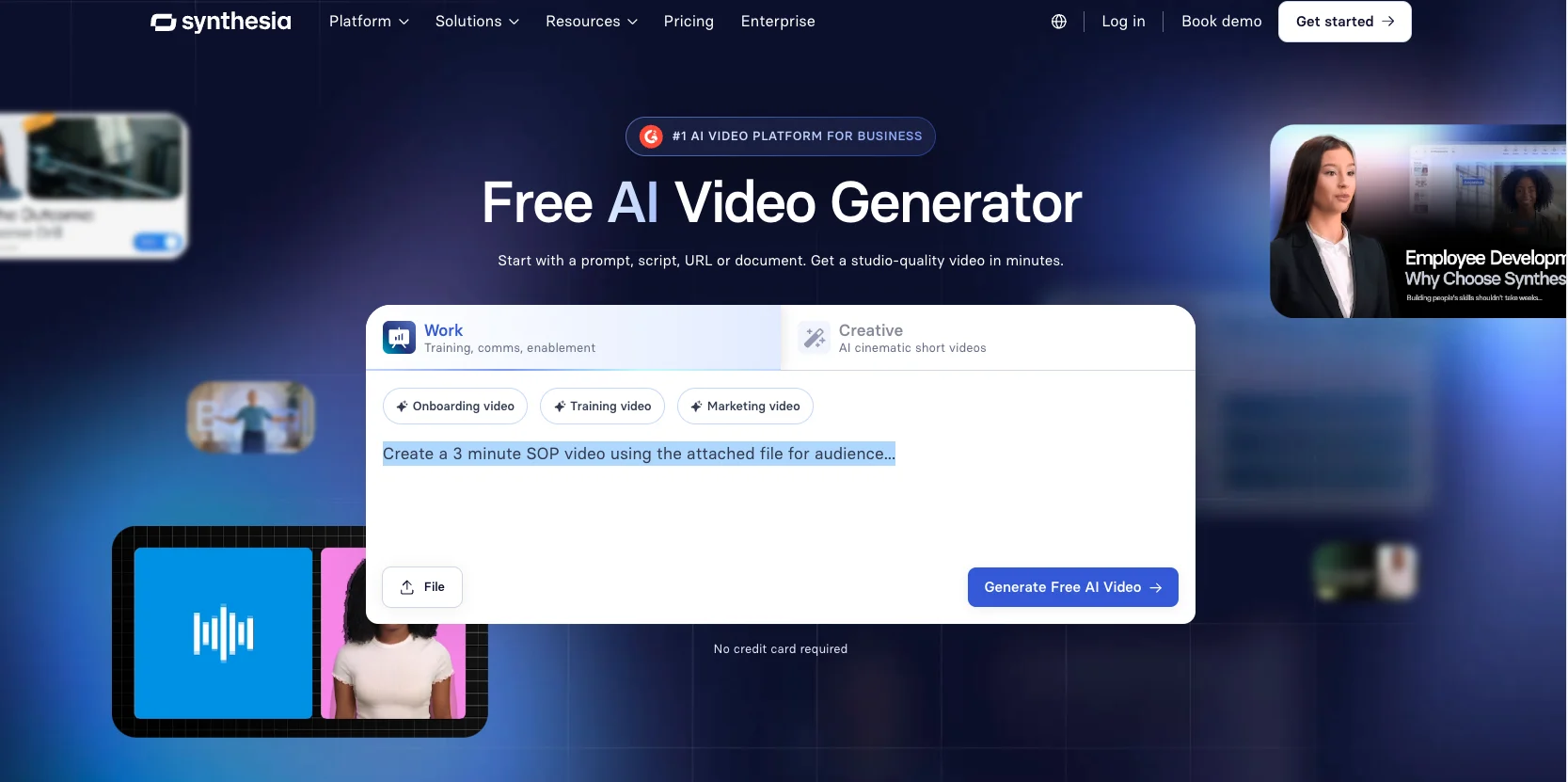
The more specific your prompt, the stronger the first draft.
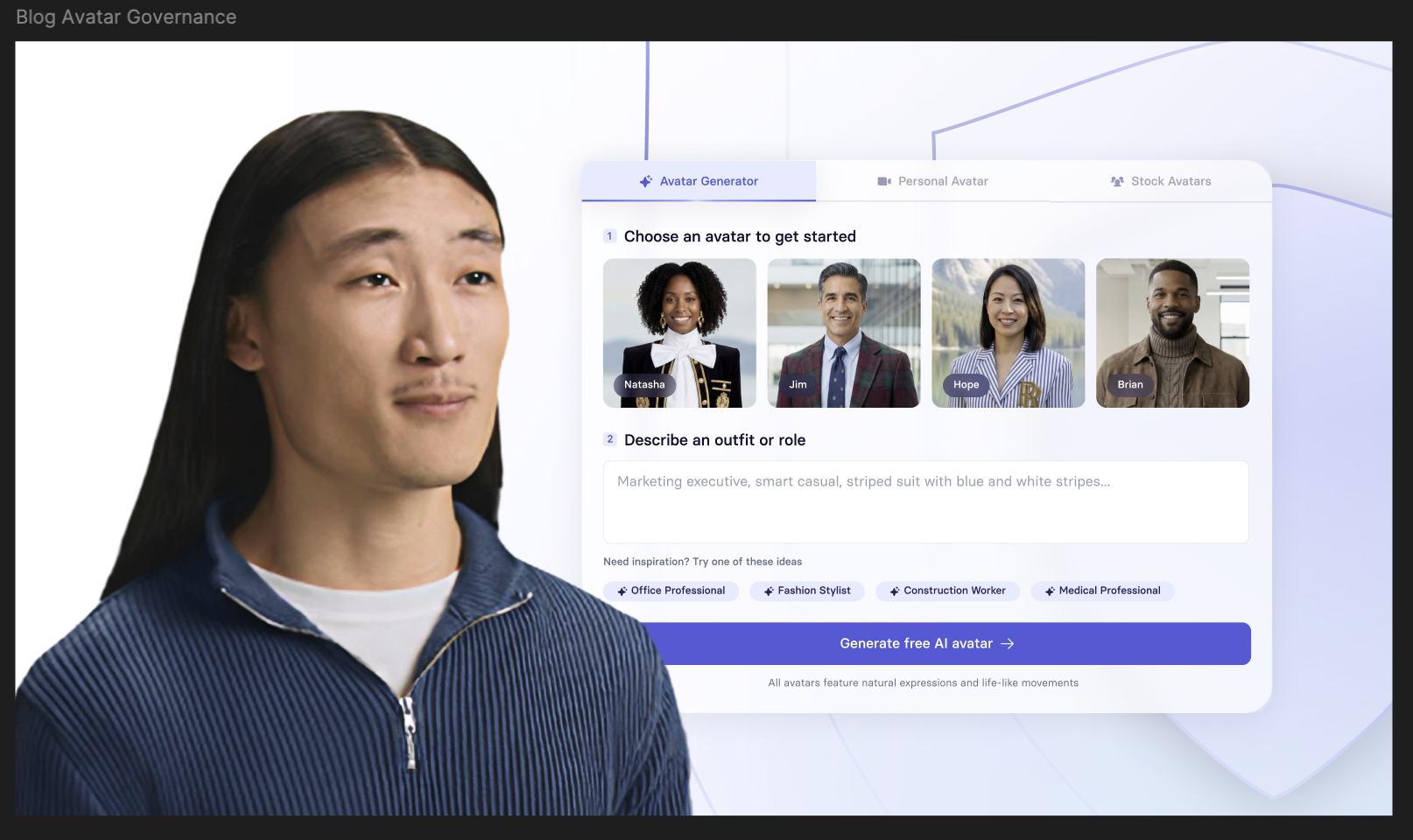
Once you have a draft ready, you'll be able to select an avatar to narrate your video. You can customize how the avatar is dressed or their background (just don't spend too much time on this, as fun as it might be).
Then find a voice that suits the tone of the video. You'll find choices organized by region with descriptions like "approachable" or "authoritative." Preview the voice to find the one that feels right for your work environment. If you're unsure what lands, test it out with a colleague.

Finally, listen to the narration to make sure the words are pronounced as intended. Check specifically for proper nouns like your company name or software tools, and any corporate jargon, to make sure it sounds right.
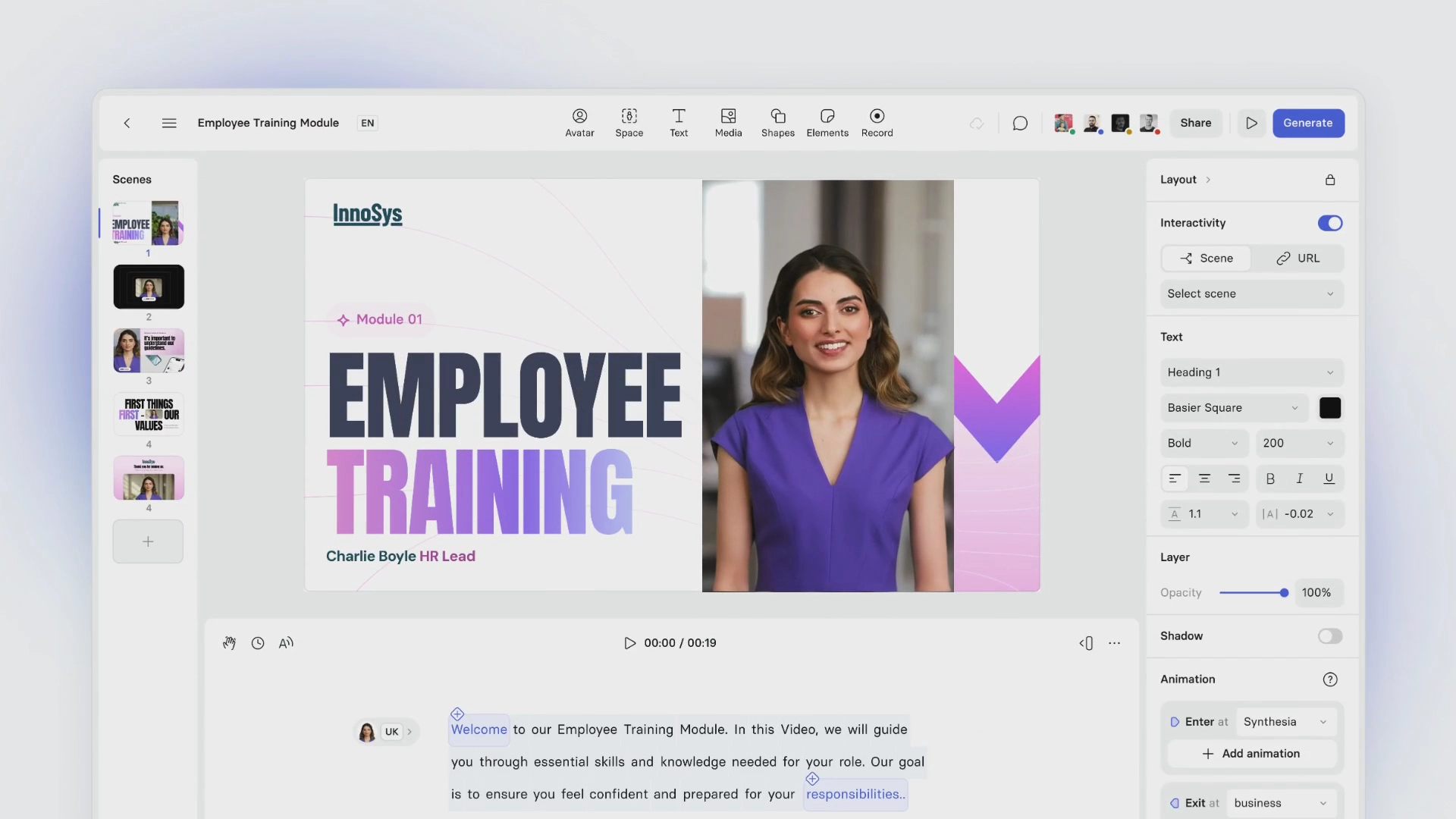
The AI assistant will recommend scenes with complementary scripting based on your SOP. Your job is to review those scenes through the lens of learning design and make sure each one is driving toward your desired outcome.
An easy way to verify this is the one scene, one idea rule. Keep each scene to one new concept. Identify opportunities to add knowledge checks where learners can pause and confirm they're following along correctly.

Finally, consider adding supplemental media, whether that's B-roll footage or a screen recording that helps illustrate the process. Keep it light. Anything you add should serve to reinforce, demonstrate, or confirm a step. If it doesn't do one of those three things, cut it.
Remember, this process is iterative. You can jump back to adjust scenes, rework the script, or fix pronunciation at any point. If something feels off after you've moved on, go back and fix it. The workflow moves in whatever direction the video needs
Once you're confident in your first version, loop in an SME or the owner of the SOP for review. If you can, run a pilot one of two ways.
The first option is a live focus group with a handful of people who use the SOP. Take notes as they go through it and capture what works, what's confusing, and what context is missing.
The second option is async feedback with a few targeted questions. Open-ended prompts like "what did you think?" won't get you anywhere. Ask specific questions tied to the steps, the clarity of the checks, and whether anything was missing.
Take the feedback and incorporate it into your video.
When you're satisfied with the revisions you've made, it's time to publish and localize the video. Before you do, align on a few important decisions. Our team refers to this as your surface, security, and stability plan:
Once you've aligned on where the video will live, you have a few options for how to distribute it: export as a SCORM package and upload to your LMS if you need completion tracking for onboarding, training, or compliance; download as an MP4 to share in internal tools like Slack or Teams, store in a central repository, or attach to tickets and playbooks; or publish with Synthesia and embed the video anywhere you document processes.
If your teams use tools like Confluence or Notion, embeds make it easy to place video SOPs directly alongside written documentation so people don't have to search for the right version.
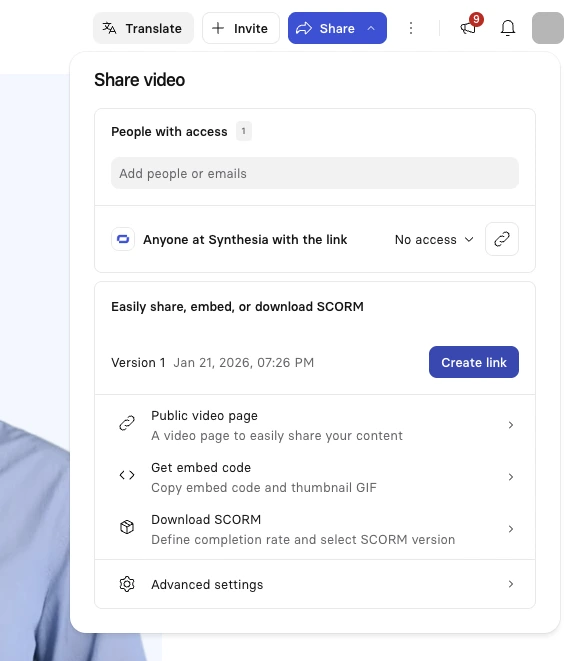
If you have a global team, this is also the time to decide if, and how, your video will be localized (Synthesia supports 160+ languages).
💡 Watch how this workflow comes together in three minutes.
If you're new to designing learning experiences for video, you may find it easier to create a video SOP from a template (note: enterprise clients can request a custom branded template).
A template gives you a recommended scene structure, a sample script, and a format designed around common use cases in industries like manufacturing, healthcare, IT, and financial services. At Synthesia, our templates are created by instructional designers so you can focus on the content.
Here are two to try.
This presenter-led template uses an avatar to guide the viewer through the purpose, key steps, and escalation paths. It works well for policy walkthroughs, compliance training, onboarding, and any workflow where context and judgment matter as much as the steps themselves.
The screencast with narration template is better suited for software and tool-based processes where viewers need to match what's on screen exactly. The recording shows the click path while the narrator explains what to look for at each step. Good use cases include system setup, access requests, KYC steps, and IT onboarding.
To build your confidence, start with one workflow, turn it into a first draft, and refine from there.
Video SOPs are only helpful if they're accurate. And we all know how quickly a minor change to a workflow can trigger a cascade of updates.
Fortunately, if you build your video SOPs in Synthesia, updates can be made efficiently. Edit the impacted scenes and regenerate the video, minimizing any delays.
This is where the surface, security, and stability questions from your publishing plan become an ongoing practice. Surface and security are largely managed at the time of publication, though you may revisit either based on feedback or emerging needs. Stability requires a system for maintenance that includes:
If you're unsure when something needs to be updated, monitor these performance signals:
A lightweight plan will ensure your video SOP library is worth the investment. Your team will spend less time searching through 30-page documents (at least once they remember where the SOP is) and more time focused on business performance. That's the goal.
👋 If you have questions about how this scales, book some time with our team.

Kevin Alster is a Strategic Advisor at Synthesia, helping enterprises apply generative AI to learning, communication, and performance. With over a decade in education and media, he’s built programs for General Assembly, NYT School, and Sotheby’s.
A video SOP is a standard operating procedure delivered as a short training video that shows the correct way to complete a repeatable task, including the key steps, tools, and quality checks.
Teams use video SOPs to reduce process drift, speed up onboarding, and make critical know-how easier to find at the moment of need.
A text SOP documents a process in writing and serves as the system of record. A video SOP delivers that same procedure as a short video, showing what correct execution looks like.
Most organizations use both: written SOPs for control and auditability, and video SOPs to reduce interpretation gaps and speed up correct performance.
Upload your written SOP to Synthesia's AI video generator. Give the AI a clear prompt describing the audience and desired outcome, then review and refine the generated scenes, choose an avatar and voice, add a knowledge check, and publish.
Most video SOPs can be created in under an hour without cameras, studios, or video editing skills.
A video SOP should cover one workflow and one outcome. For most repeatable tasks, that means three to five minutes. If your SOP covers multiple procedures, split them into separate videos.
One video per outcome is a reliable rule of thumb.
Yes. With Synthesia, you can localize a video SOP into 160+ languages with one click, using either AI dubbing or subtitles.
This makes it possible to maintain a single source video and distribute localized versions to global or frontline teams without re-recording.
Because Synthesia video SOPs are script-based, updates are fast. Edit the affected scene, regenerate the video, and republish. No re-recording required.
Assign an owner, set a review cadence, and use performance signals like drop-off rates and support tickets to identify when something needs attention.
Synthesia is the video SOP software used by enterprise teams across manufacturing, healthcare, financial services, and IT. It accepts input from PDFs, PowerPoints, Word documents, and URLs, and outputs MP4, SCORM, embeds, and shareable links.
Teams in regulated industries can also take advantage of LMS integration, version control, and completion tracking.


VIDEO TEMPLATE
VIDEO TITLE

Try Synthesia with a free video.
Simply type in text and get a free video with an AI avatar in a few clicks. No signup or credit card required.
See how Synthesia fits your use case, with tailored guidance and pricing for your specific needs.